
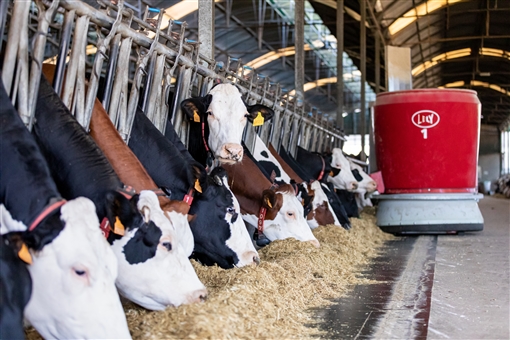

With the “minimum load” feature, you can set a minimum weight per ration in Horizon. This guarantees that a task is created only when the bin weight is comprehended between the minimum and maximum set bin weight. If the minimum load is not reached, the MFR will not feed. The feed request will be extended until more fences have a need for feed and the minimum load is reached. This way, the MFR will never start a feed task for very small loads, improving the mixing quality and system capacity.
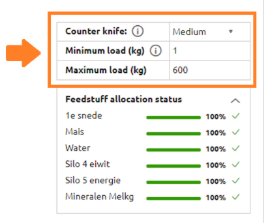
How does it work? When the entered value is 0, the settings are OFF. As soon as a value is entered, even only 1, the setting is ON. It does not matter if the setting is on or off, the system will always try to combine fences. However, the way the software does this is a little bit different when the setting is on. Make sure that the ration where the minimum load is set, can be combined with other fences with the same ration. Otherwise, this fence will never be fed! Also Make sure that the minimum load does not exceed the maximum load or the dosing weight.
It is important to realize that some fences may have to wait for their feed a little longer as the system will be waiting to combine the feeding task with another task. You can see if a fence is waiting to be combined in the WebUI. You can always play around with the other settings, such as feed height or dosing weight, to try and find what setting combination works best for your farm. Do you need help with this, or do you have questions about the minimum load setting? Ask your FMS advisor for help!
Do you use the minimum load feature? Share your thoughts in the comments below.
-

charlotteche
-
Cancel
-
Vote Up
0
Vote Down
-
-
Sign in to reply
-
More
-
Cancel
Comment-

charlotteche
-
Cancel
-
Vote Up
0
Vote Down
-
-
Sign in to reply
-
More
-
Cancel
Children