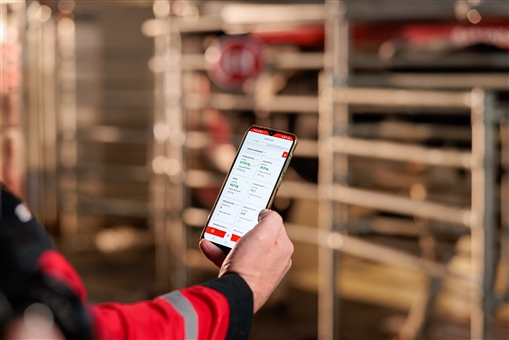
community.lely.com/.../33 Did you know you can swipe in the mobile app? When you are in a task, you can swipe left on a cow to get more options, or swipe to right to go to the cowcard.
Did you know there is a Lely help page? Click on "? Help" at the left bottom of your screen, then on "YourGuide / Help". There, you can find articles about KPIs, reports, functionalities and more in Horizon…
Did you know you can zoom in and out within Horizon? This makes it easier to read your farm data. In the left side bar, click on your user profile, in the preference tab you can change the text size. Check…
Would you like more information about the KPIs on your main dashboard? If you click on a KPI , more details will be displayed. Below the chart, you will find 'Related reports' that can provide more detailed…
Did you know you can sort reports based on multiple columns at the same time? Click on the header of the column you want to sort on first. Press the Ctrl key and click on the header of the column you would…
Would you like to see a quick overview of how many animals in your herd are pregnant? Add the "Animal count widget" to your farm dashboard. In the top right of the widget, in the drop down select Reproduction…
Did you know you can select which information you want to display in a graph? By clicking in the legend on the name of the line in the graph you do not want to display, it will disappear from the graph…